
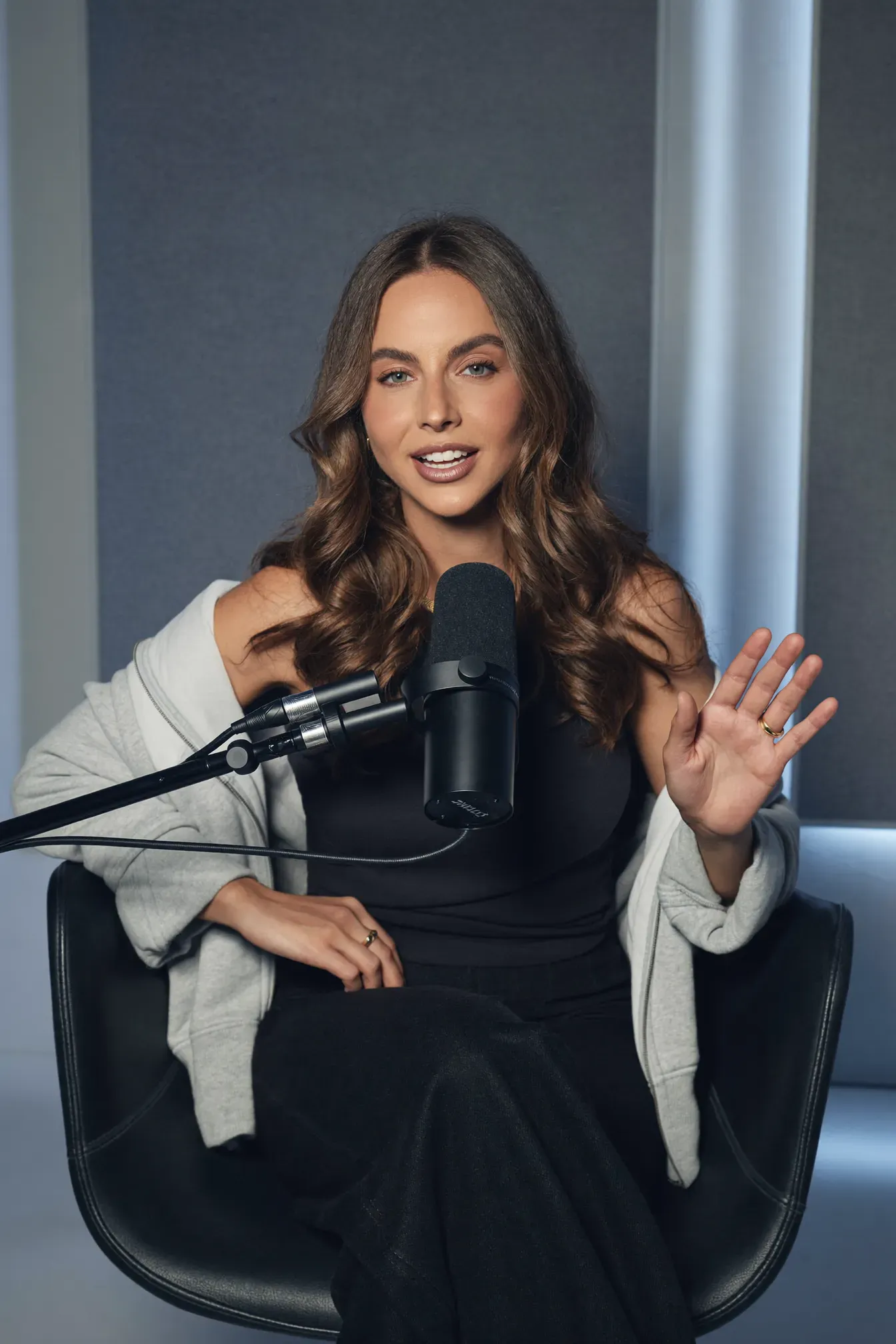
One podcast episode can fill a month of content when you plan it as raw material, not a finished product. From a single 30 to 60 minute recording you can usually get one full episode, 8 to 15 short vertical clips, a few quote graphics, a newsletter and a blog article.
The trick is to record once and edit many times. Here is the workflow we use for experts and creators.
Start with one good recording
Everything downstream depends on the source. You don't need a studio, but you do need:
- Clear audio: a dedicated microphone for each speaker, recorded on separate tracks if possible
- Steady video: a fixed camera at eye level, with the face well lit from the front
- A structure: three or four questions you want to answer, so the conversation has clear sections
Record in the highest quality your setup allows. You can always compress later; you can't add detail that was never captured.
Map the moments
Before editing, watch the episode once and note the timestamps of moments that stand on their own. Look for:
- a strong opinion ("Most people get protein wrong because…")
- a clear, practical tip
- a short story with a beginning and an end
- a surprising answer to a common question
- a mistake your audience is probably making
Each of these becomes a candidate clip. Aim for 8 to 15.
One episode, a month of posts
| Asset | How many | Where it goes |
|---|---|---|
| Full episode | 1 | YouTube, podcast platforms |
| Short vertical clips | 8 to 15 | Instagram Reels, YouTube Shorts, TikTok, LinkedIn |
| Quote graphics or carousels | 3 to 5 | Instagram, LinkedIn |
| Newsletter | 1 | Your email list |
| Blog article | 1 | Your website |
Spread the clips across four weeks, two to four a week, so you post consistently without recording more.
Edit clips that stop the scroll
Short clips live or die in the first two seconds. For each clip:
- Open on the strongest line. Cut the warm-up and start mid-thought if you need to.
- Reframe to vertical (9:16) with the speaker's face in the upper third.
- Add burned-in captions in your brand font and colours, highlighting key words.
- Cut the pauses and filler words to keep the pace tight.
- Add a simple hook title on screen for the first few seconds.
- End with one clear next step: follow, comment, or book a call.
Turn the episode into words
Text helps you get found in search and AI answers. Use the episode transcript to write:
- a blog article that answers the main question of the episode, with the key points as headings
- a newsletter with the single most useful idea and a link to the full episode
- show notes with timestamps for each section
Don't publish the raw transcript as an article. Rewrite it into a clear piece with a direct answer at the top.
A simple weekly rhythm
- Week 1: record the episode, publish the full version and the first two clips
- Weeks 2 to 4: two to three clips a week, one carousel a week, the newsletter, then the blog article
Then record the next episode, and the cycle continues.
Let a team handle the editing
The recording takes an hour. The editing, captioning, scheduling and writing take far longer each week. That is the part our Video & Reels team takes off your plate, while our Social Media Management team posts it on schedule.
Questions
How many short clips can I get from one podcast episode?
A 30 to 60 minute conversation usually has 8 to 15 moments that stand alone as clips: a strong opinion, a clear tip, a story or a surprising answer. Pick the ones that make sense without the rest of the episode.
How long should a short clip be?
Most clips work best between 20 and 60 seconds. Start with the most interesting line in the first two seconds, then cut anything that doesn't support it.
Do I need captions on every clip?
Yes. Many people watch with the sound off, and captions also help viewers follow fast speech and accents. Burned-in captions in your brand style look more professional than automatic platform captions.
Which platforms should I post clips on?
Start where your clients already spend time. For most experts that is Instagram Reels and YouTube Shorts, with LinkedIn for B2B audiences. Use the same vertical edit on each platform and adjust the caption text.